1. Within the Apple App Store, search for and Install the IPTV Smarters App

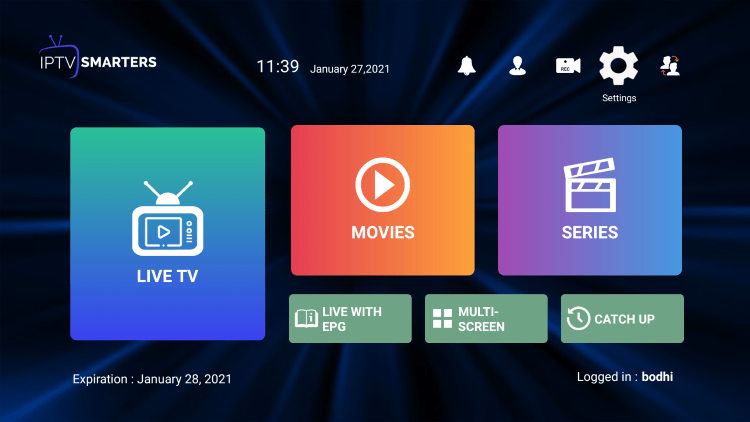
2. Return to the home screen to find the IPTV Smarters app installed

3. Launch the app and click Accept
4. Enter your login credentials and click Add User

Copy these credentials and go back to the IPTV Smarters and put the details exactly like this:
Random name: Type anything that you like

Username: Jhon (you can put yours)
Password: Passtest (you need to put yours)
Portal URL: http://line.iptvprline.com or http://l.iptvprline.com
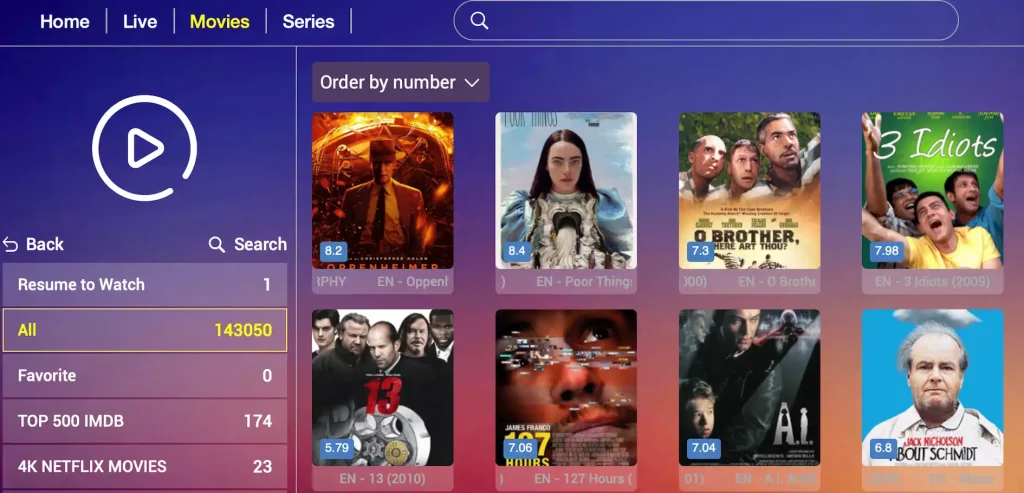
Once finished your IPTV Service is available for use. Enjoy!